

|
|
|
CommunityViewer GIS ... Find Address Operations Use the CommunityViewer Find Address feature to quickly and accurately find the location of any address. Start Find Address with Tools>Find Address. Any project can be open. Key in an address and click Find. A marker appears showing the latitude-longitude of the address. The default address appears in the Find Address form. Click Find and the marker appears. The recommended Finf Address structure is the street number, prefix, name, and type followed by the 5-digit ZIP code. 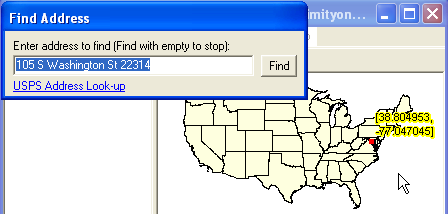
The Find Address form repeatedly appears until a null address (no characters) is used. The next example shows that only the ZIP code is required to find a location. 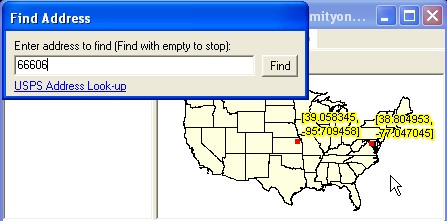
The next example shows that the Find Address can be used with the city and state only. 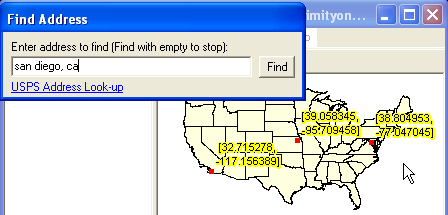
When a null address is entered (no value), a point shapefile is created. 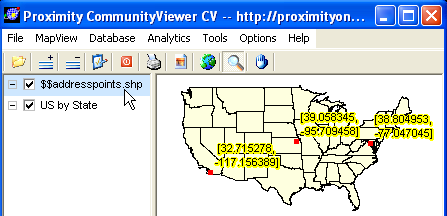
The resulting point shapefile may be used with any project. |
|
|