
|
|
|
Register for Additional Information DMIS Main Page |
DMIS Application & Features View the application described here to see how DMIS can be used in site and market analysis studies. In this application, the company using DMIS has several grocery stores Hawaii. The company requires several types of reports, maps, and charts. The company seeks specific information now and a means to continue to monitor and analyze their sites and markets. The company's immediate requirements include: • Demographic report for each store (initially 1/2 mile radii rings). • Current and forecast sales for competitors around each store. • Demographic and expenditure subject matter requirements are extensive. • Current demographics and projections for 2003 and 2008 for each market area. • Consumer expenditure summary for each market area. • Competitive position profile for each store and market. • Each and all stores compared to the state. 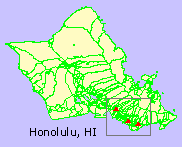 Market Study Area
The map at the right shows Honolulu, HI. Green boundaries are census tracts. The rectangle shows the approximate location of the market study area. The three icons are the store locations to be analyzed. Before the analyses started, a map did not exist showing the store locations. The first step was to geocode the store locations. This task was done with the DMIS geocoder. An initial objective is to be able to use DMIS to view the store locations, flexibly. An example of type of map required for the analyses is shown below. Here we can see the sites, with a zoom-in view, showing both census tract boundaries (green) and ZIP code boundaries (red). 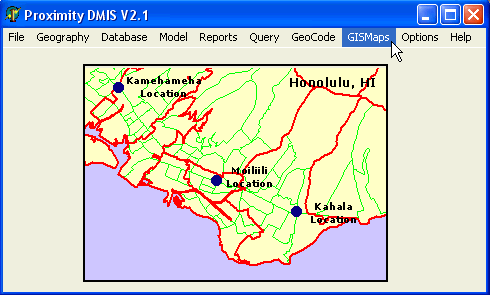
Geocoding In this simple example, the store locations could be "clicked onto" the map screen and a stores map file developed in that manner. In other applications, where many sites exist, the DMIS geocoder would be used. The following display shows how one store location is geocoded. The panel at the right shows the census tract and block where the site is located as well as latitude-longitude and related attributes (for the address entered in the 'Active Address' edit box). In the more general situation, the batch processing feature would be used to process a large number of addresses and create a geocoded, ready to use, map file. 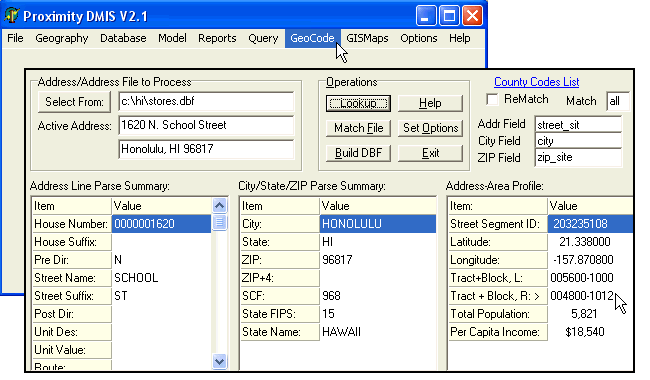
A stores map file was prepared so that the stores could be shown on the maps presented above. The store location maps were used with map files for various types of geography provided with the DMIS package. 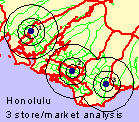
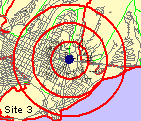
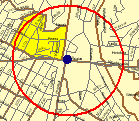
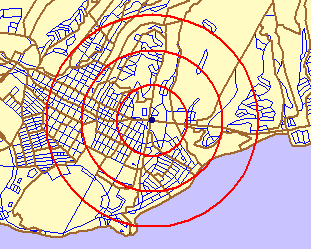
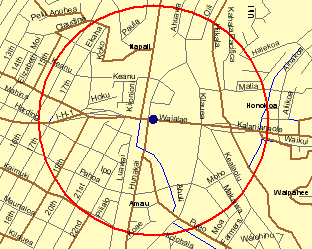
The rings depict initial study areas of interest for each store location.
Profiles are now developed using DMIS to generate trend analysis reports for each site. The following graphic shows how the Reports pull down menu is used to select the report of interest. Four demographic trend reports are shown in this example. 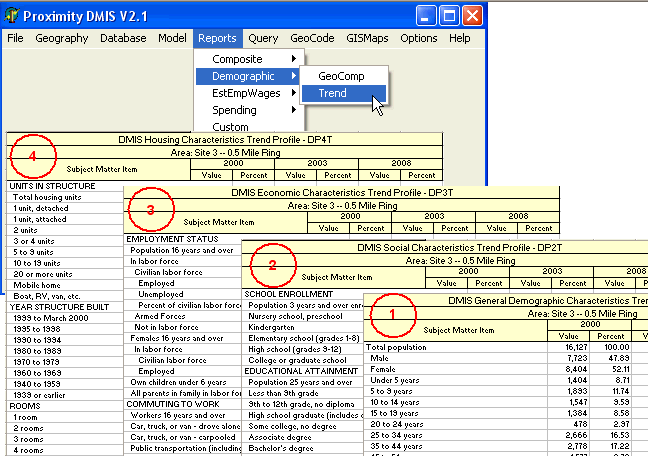
A more detailed demo is available upon request. [goto top] |
|